
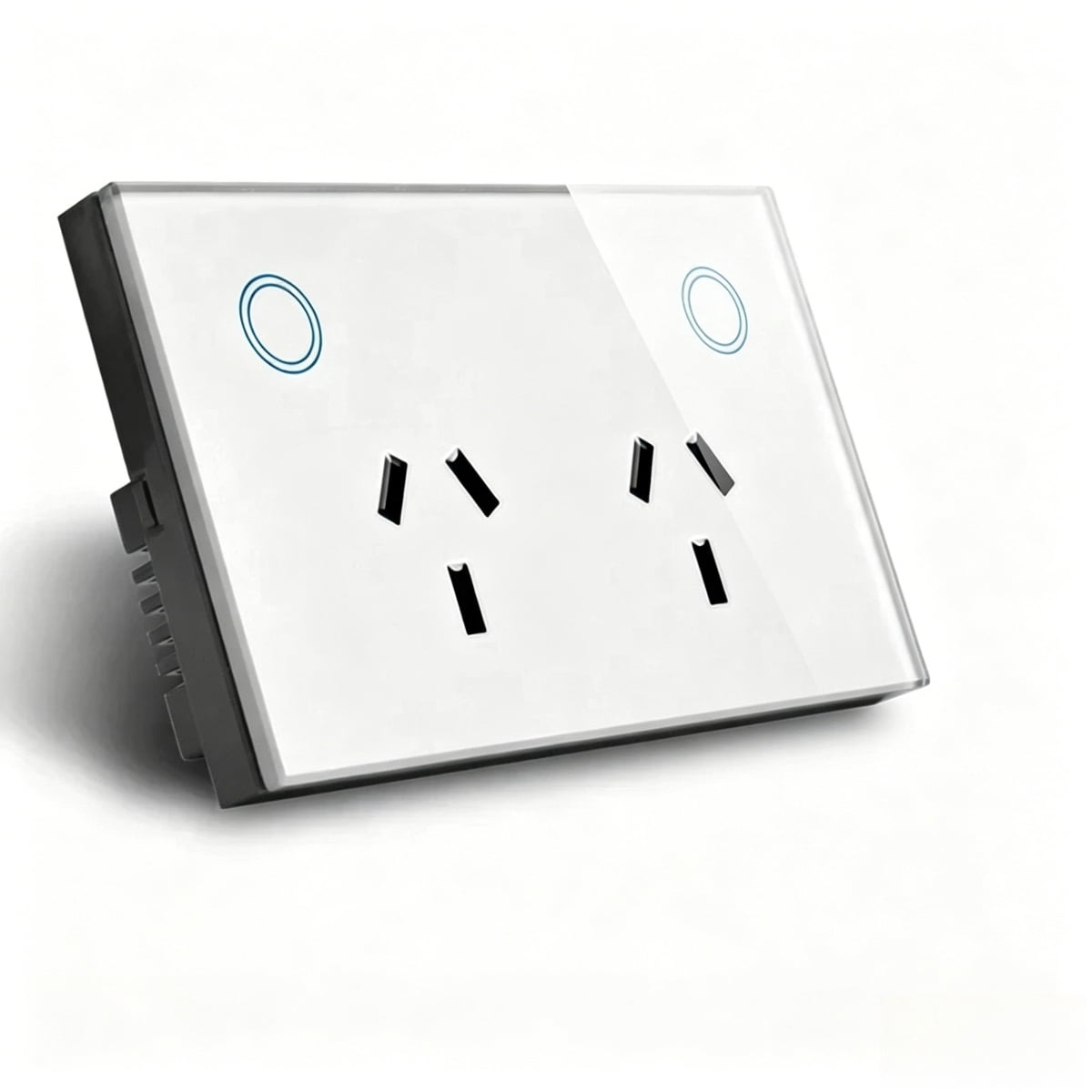
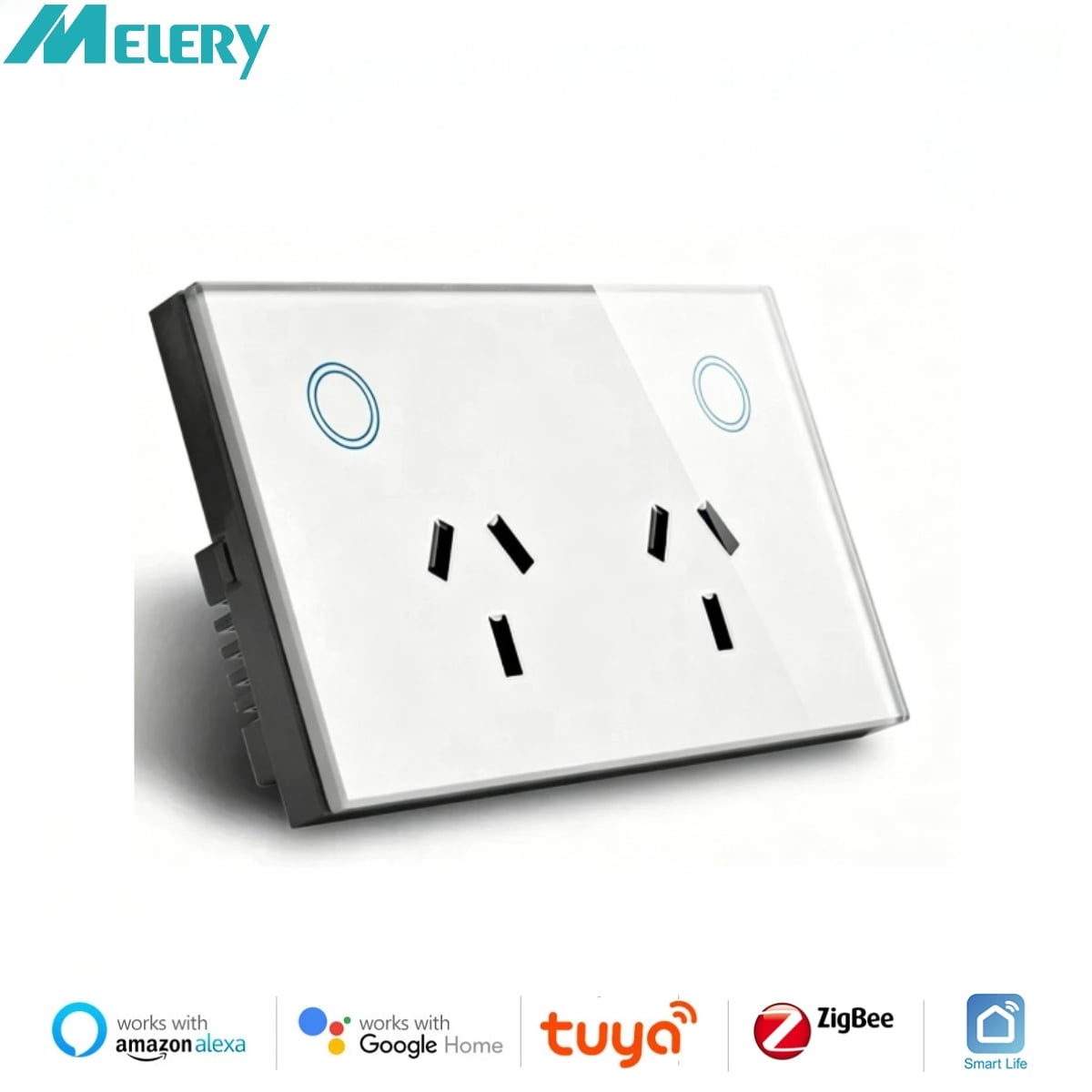
Melery Smart AU Wall Outlet Zigbee Power Monitoring Touch Sensor Switch Wireless Remote Works with Smart Assistants
Product details
| Management number | 230849576 | Release Date | 2026/06/18 | List Price | $12.40 | Model Number | 230849576 | ||
|---|---|---|---|---|---|---|---|---|---|
| Category | |||||||||
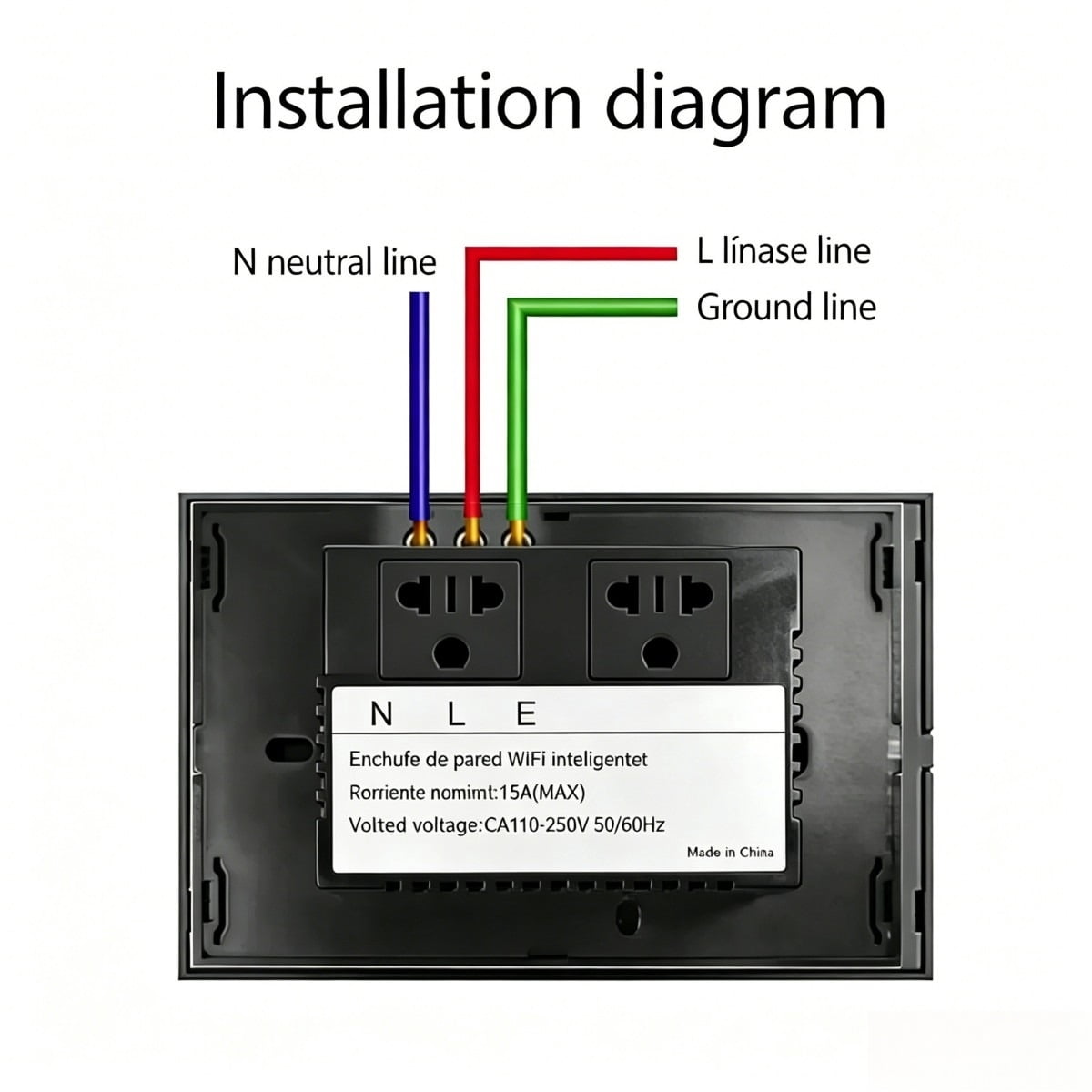
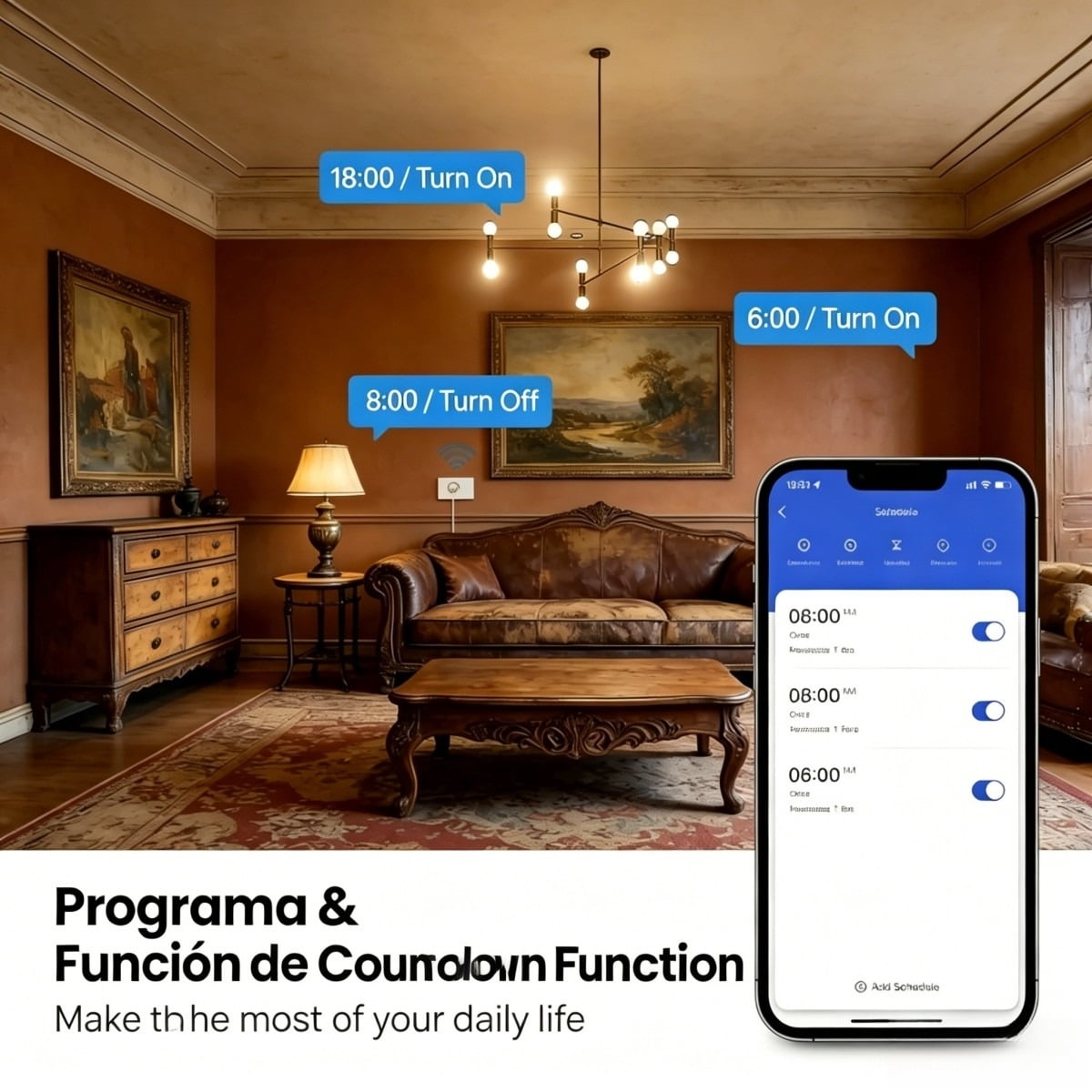
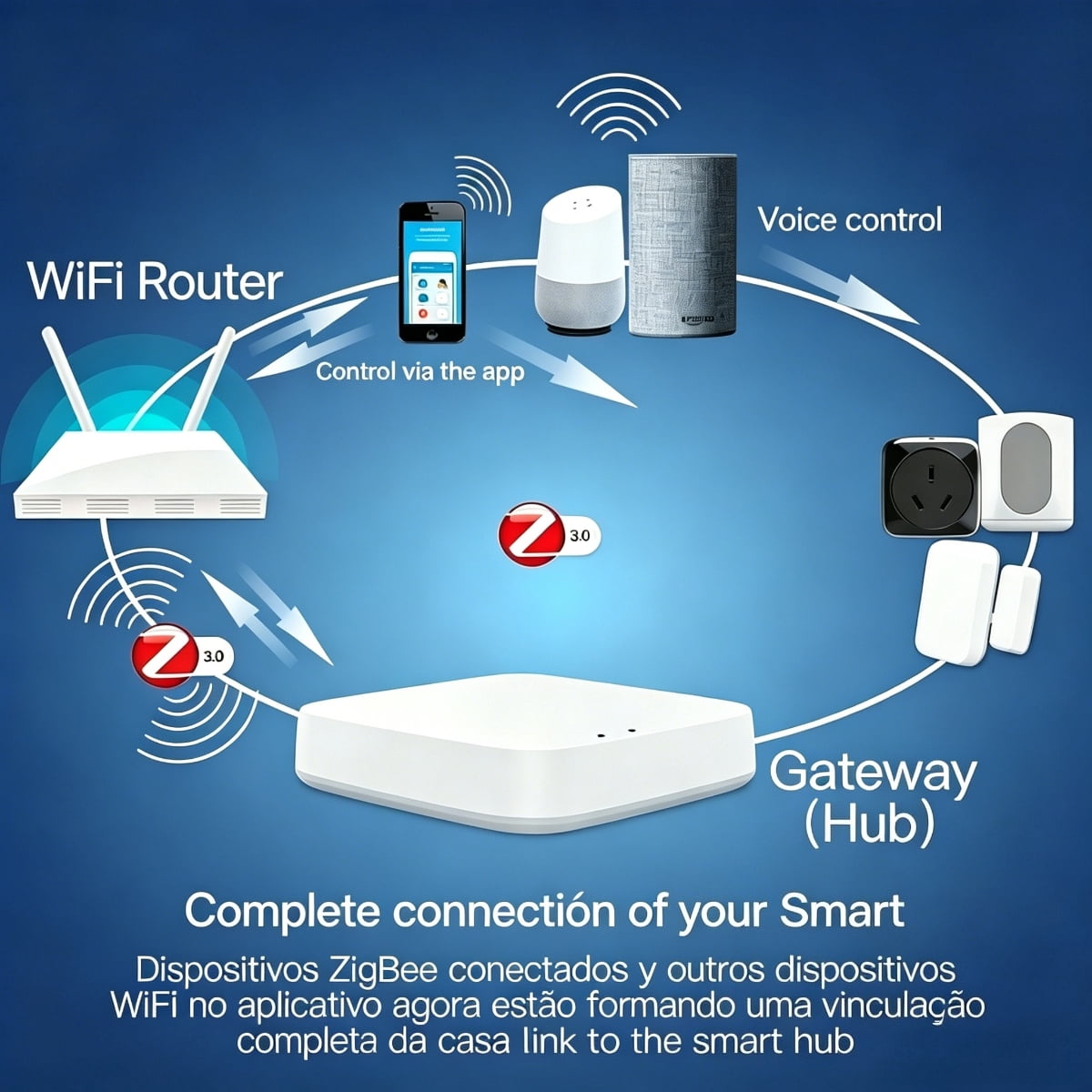
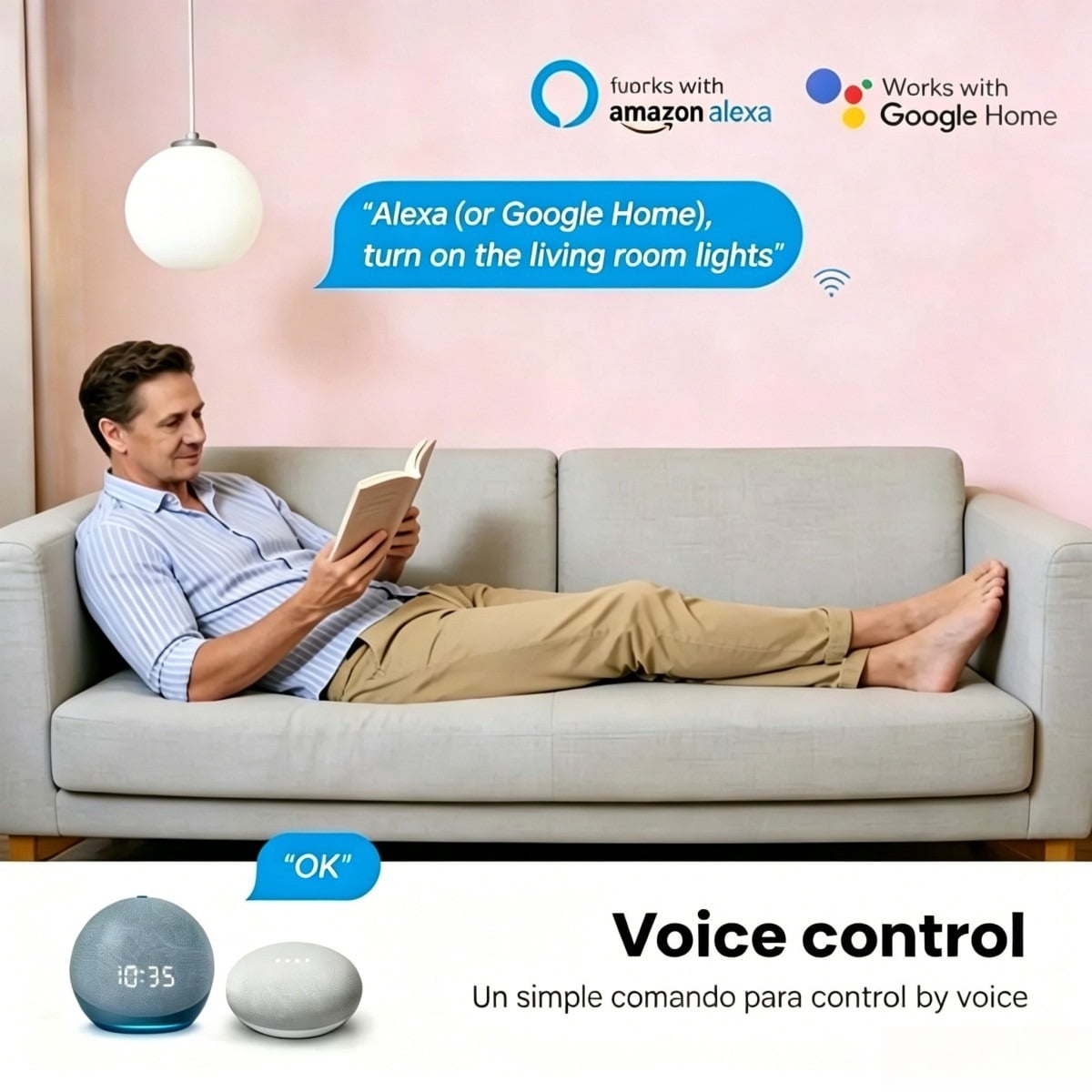
<p> Color:Black<br> Size:(L) 120*(W)72*(H)42mm<br> Weight:191g<br> Material:PC<br> Voltage range:90-250V AC<br> Max current:Current of USB Port<br> 15A each:max 2.1A, total 4A<br> Wireless frequency:2.412~2.484GHz<br> Wireless IEEE standards:IEEE802.11b/g/n<br> Security type:WEP61/WEP/128/TKIP/CCMP(AES)<br> Security mechanism:WEP/WPA-PSK/WPA2-PSK<br> Wireless consuming:<=0.3W<br> Working condition:Temp: -30~60 degree<br> </p> <p> Feature<br> Support Zigbee network.<br> Support mainstream voice assistants (compatible with most smart voice control systems).<br> Support Smart configure net technology, easy to access settings.<br> Support status tracking, home appliances status timely feedback to your device.<br> Easy installation, easy handling and can be activated immediately and stably.<br> FCC,CE, ROHS, RED approval.<br> </p> <p> Zigbee wall socket connects to the Internet through Zigbee network and controls the power of home appliances, smart phone or other device can control the socket and track the status of wall socket at any place where network is available, one device can support more than one Zigbee wall socket controller. </p> <p>Zigbee wall socket using Smart Link net technology you can Easily access settings, besides, it has timing function you can DIY for your favorite and Power indicator for your energy tracking, let you have fun on local or remote control your Home appliances, enjoy with it.<br></p> <p>Here are the steps to pair the Zigbee Smart Plug with a gateway and connect to smart voice assistants:</p> <p> I. Steps to Pair Tuya Zigbee Smart Plug via Gateway<br> Preparation<br> Ensure the Tuya Zigbee gateway is connected to the network and added to the "Tuya Smart" app (refer to the previous gateway setup guide).<br> Power on the plug and keep it within the effective range of the gateway (recommended within 10 meters, minimize obstructions).<br><br> Enter Pairing Mode<br> Common methods: Press the function button (or on/off button) on the plug 5 times rapidly, or long-press for 3-5 seconds until the indicator light flashes quickly (red-blue alternating or green flashing, subject to the device manual), indicating pairing mode is activated.<br><br> Add Device in the App<br> Open the "Tuya Smart" app, ensure you are logged in and enter the home/room where the gateway is located.<br> Tap the "+" icon at the top right, select "Auto-Detect Devices," and the app will scan for nearby Zigbee devices in pairing mode via the gateway.<br> Once the plug is detected, follow the app prompts to complete naming, room allocation, etc. Wait for pairing to finish (steady indicator light means success).<br><br> </p> <p> II. Connect to Smart Voice Assistants<br> Prerequisites<br> Ensure the plug is successfully added to the "Tuya Smart" app and functioning properly.<br> Your smart voice assistant device is connected to the network, and its corresponding app is installed with an active account.<br><br> Link Accounts<br> Open your voice assistant app, navigate to the "Skills" or "Services" section (varies by app).<br> Search for the "Tuya Smart" skill and select it.<br> Tap "Enable" or "Link," then enter your "Tuya Smart" app account and password to complete authorization.<br><br> Discover Devices<br> After linking, go to the "Devices" section in your voice assistant app.<br> Tap the "+" or "Add Device" icon, then select "Other" (or follow app prompts) to start scanning.<br> Once detected, the Tuya plug will appear in your device list, supporting voice commands (e.g., "Turn on the bedroom plug").<br><br> </p> <p> III. Sync with Voice Control Systems<br> Prerequisites<br> The plug is already added to the "Tuya Smart" app.<br> Your voice control device is connected to the network, and its official app is installed.<br><br> Link Accounts<br> Open your voice control app, tap the "+" icon at the top right.<br> Select "Set up device" or "Works with [Platform]" (generic term), then search for "Tuya Smart."<br> Select "Tuya Smart," enter your "Tuya Smart" app account and password to finish linking<br><br> Sync Devices<br> After linking, the voice control system will auto-sync Tuya devices (or tap "Sync devices" manually).<br> Once synced, the plug will appear in your device list, controllable via voice commands (e.g., "Turn off the living room plug").<br><br> </p> <p> Notes If the device isn’t detected by your voice assistant, check its online status in the Tuya app, or try unbinding/rebinding accounts.<br> In some regions, ensure your Tuya account matches the region settings of your voice assistant app to avoid linkage issues.<br> Use concise, easy-to-pronounce voice command names (matching the name set in the Tuya app).<br> </p> <p>COMPATIBLE WITH MOST HOME APPLIANCES<br> Supports up to 2900W, compatible with lamps, fans, audio systems, coffee makers, kettles, chargers, portable heaters, etc.<br> Available with BS plug for broad usability.<br></p> <p>CONTROL FROM YOUR MOBILE<br> Download the "TUYA" app (App Store for iOS / Google Play for Android) or scan the QR code.<br> Real-time monitoring and control of all connected devices, anytime, anywhere.<br></p> <p>PERSONALIZED SCHEDULING & ENERGY SAVINGS<br> Set custom auto-on/off schedules for devices (e.g., lamps, air conditioners, heaters) via the app.<br> Reduces unnecessary power consumption to lower energy bills, ideal for work or vacation.<br></p> <p> PERSONALIZED SCHEDULING & ENERGY SAVINGS<br> Set custom auto-on/off schedules for devices (e.g., lamps, air conditioners, heaters) via the app.<br> Reduces unnecessary power consumption to lower energy bills, ideal for work or vacation.<br> </p> <p> PERSONALIZED SCHEDULING & ENERGY SAVINGS<br> Set custom auto-on/off schedules for devices (e.g., lamps, air conditioners, heaters) via the app.<br> Reduces unnecessary power consumption to lower energy bills, ideal for work or vacation.<br> </p> <p> SMART VOICE CONTROL COMPATIBILITY<br> Works with mainstream smart voice assistants (via compatible voice control systems).<br> Assign device names for hands-free control of connected appliances (e.g., chargers, coffee makers).<br> </p> <p> SMART VOICE CONTROL COMPATIBILITY<br> Works with mainstream smart voice assistants (via compatible voice control systems).<br> Assign device names for hands-free control of connected appliances (e.g., chargers, coffee makers).<br> </p> <p> WIFI WALL SOCKET WITH VERSATILITY<br> Converts standard appliances into smart devices quickly, upgrading your home to a smart setup.<br> Optional USB ports (if included) for charging mobiles, tablets, or USB-powered devices.<br> </p> <p> Package<br> 1*Zigbee Smart Wall Socket<br> 2*Screws<br> 1*Manual<br> </p>
- Core Specifications & Smart Connectivity:Black Zigbee Smart Wall Socket, measuring 120×72×42mm (L×W×H) and weighing 191g, made of PC material. It supports 90-250V AC voltage, with USB ports offering max 2.1A per port and 4A total. Connected via Zigbee network, it allows remote control of home appliance power and real-time status checking via mobile phone. Easy to install and activates stably quickly.
- Easy Network Configuration & Safety Compliance:Supports smart network configuration technology for hassle-free setup, and is compatible with mainstream smart voice control systems. Equipped with multiple security protections (WEP64/128, TKIP, CCMP(AES)), compliant with IEEE802.11b/g/n standard, and certified by FCC, CE, ROHS, RED for safe use.
- Wide Compatibility & Energy Efficiency:Max. 2900W power support, compatible with most home appliances like table lamps, fans, coffee makers, electric kettles, etc. BS plug option available. Use the APP to set scheduled on/off times, reduce unnecessary power consumption, and lower electricity bills.
- APP Control & Simple Pairing:Download the corresponding APP from App Store (iOS) or Google Play (Android), or via QR code scan, for real-time monitoring and control of devices. For pairing, connect to a smart gateway first, power on the socket to activate pairing mode, then let the APP detect and complete setup automatically.
- Package Contents & Extended Value:Package includes 1 Smart Socket, 2 screws, and 1 user manual. It can upgrade regular home appliances to smart devices; selected versions come with USB ports for charging mobile phones, tablets, etc., meeting both smart control and charging needs.
| Electrical outlet type | Smart Outlets |
|---|---|
| Amps | 15 Amps |
| Brand | Melery |
| Color | White |
| Features | Durable |
| Count per pack | 1 |
| Smart tech | Y |
| Volts | 110 V |
| Has written warranty | No |
| Watts | 2500 W |
| Has nrtl listing certification | N |
| Model | WWWS019 |
| Dimensions | 14.00 x 8.00 x 6.00 cm |
| Compatible smart control systems | Alexa, Google Assistant, Zigbee |
Bestseller ranking
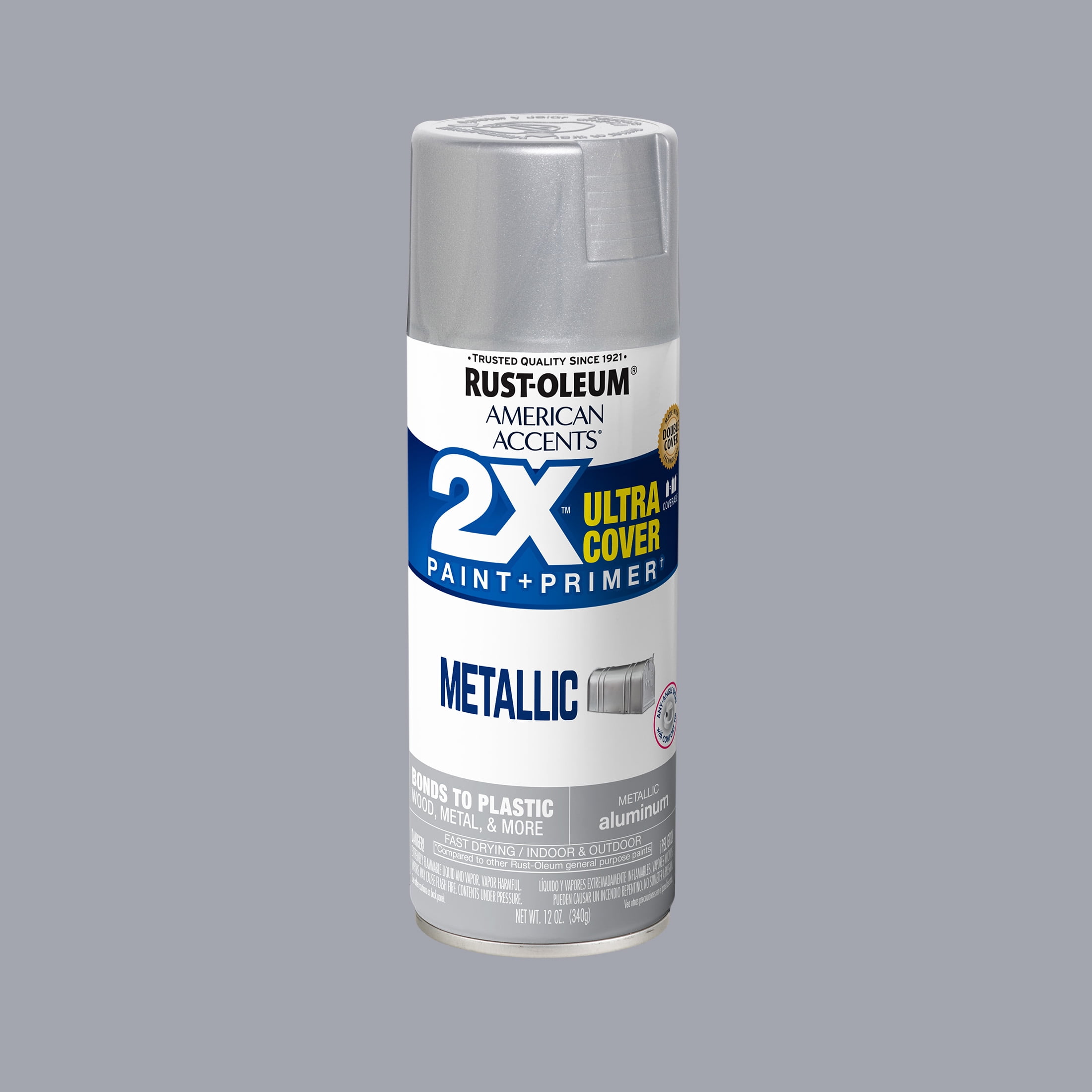
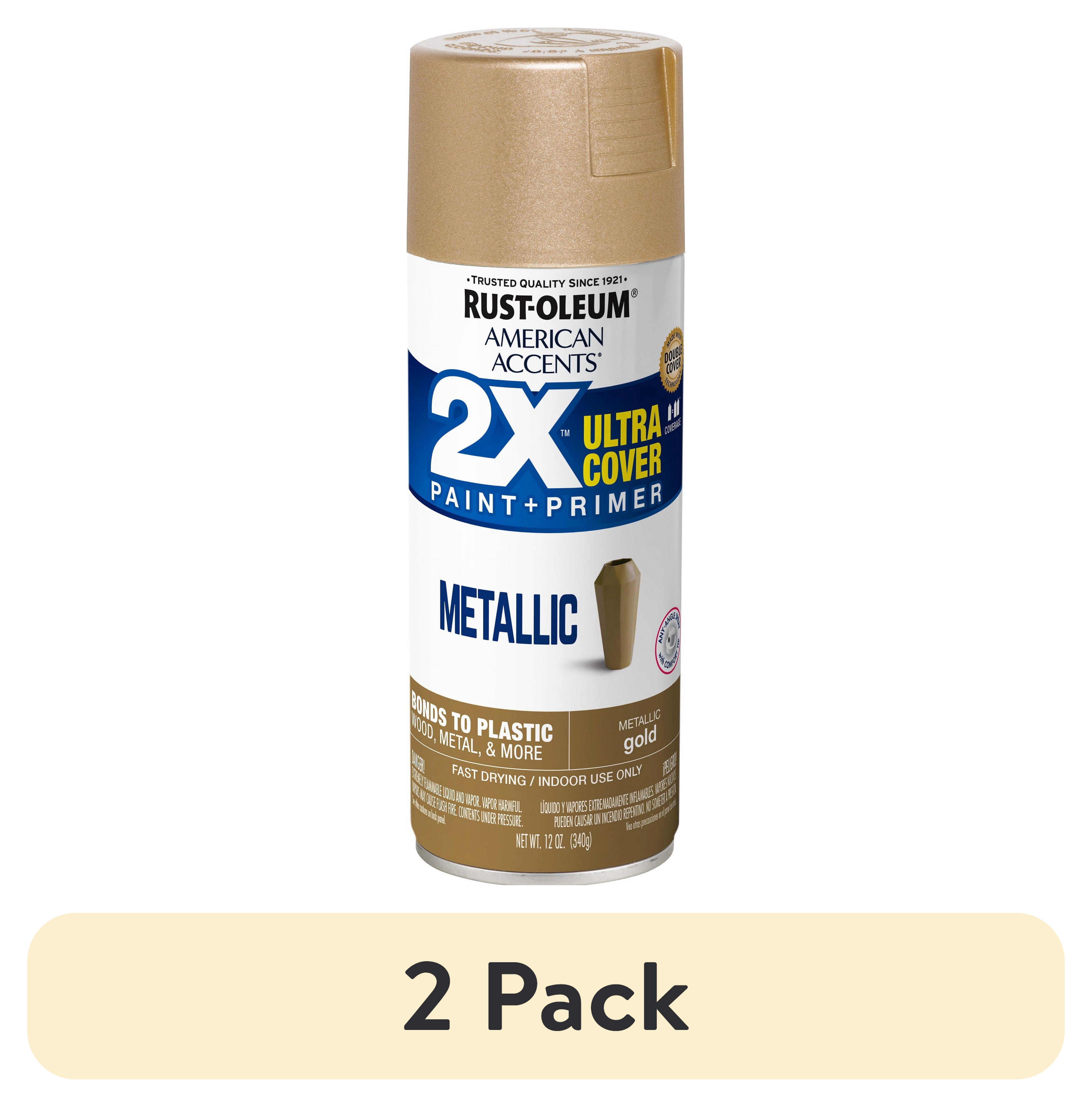
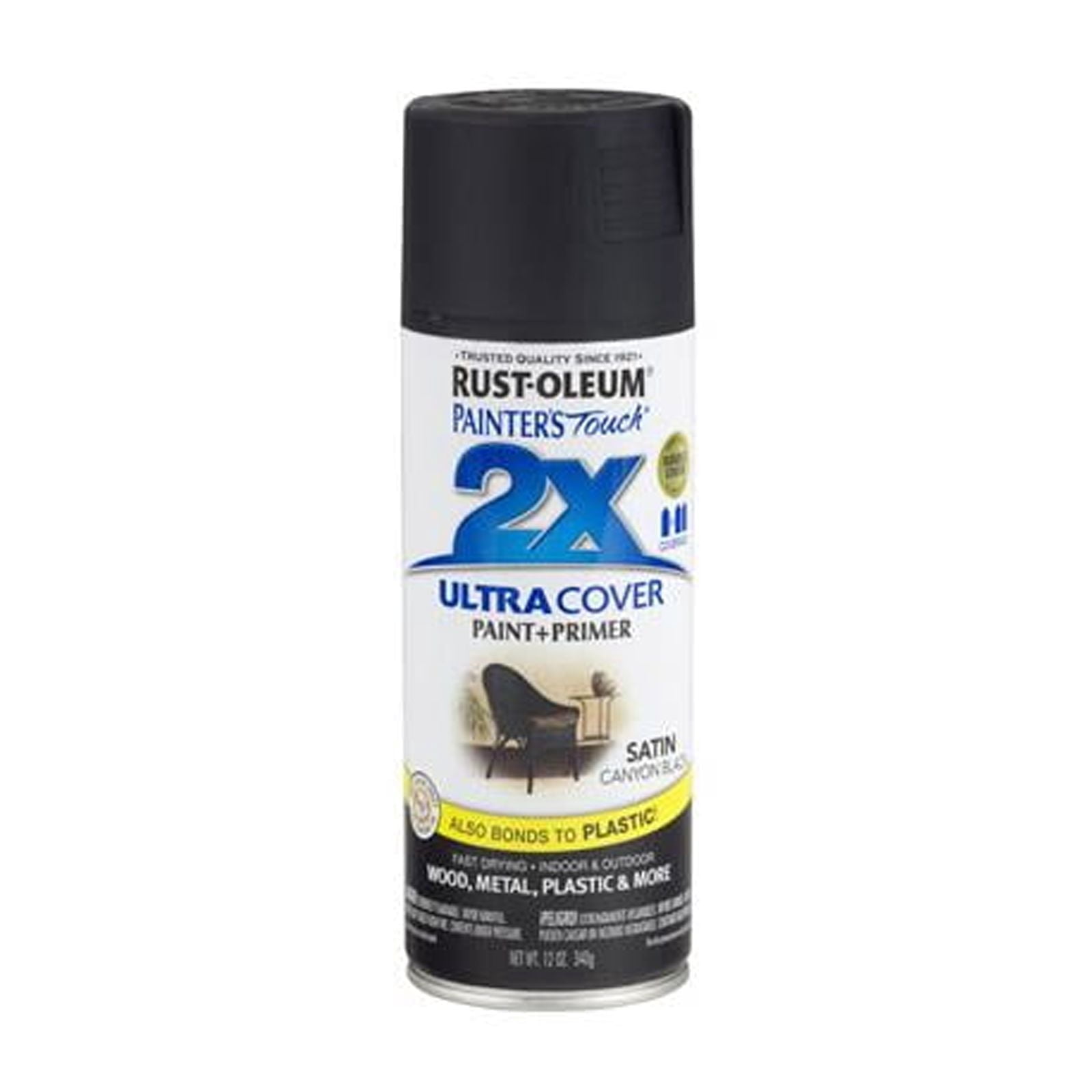
Rust-Oleum 2X Ultra
Customers who viewed this product also viewed
Electric Pool Heaters
Correction of product information
If you notice any omissions or errors in the product information on this page, please use the correction request form below.
Correction Request Form